

Save Time, Skip the Line.
Georgia Tech has partnered with Grubhub to offer pre-order pickup from your favorite dining locations on campus.
To get started:
- Download the Grubhub app.
- Select Georgia Institute of Technology under Campus Dining.
- Add your campus card information.
Now you’re all set to use your Dining Dollars, BuzzCard Funds, or a credit or debit card to buy your next meal!
Need more info? Check out our Frequently Asked Questions!
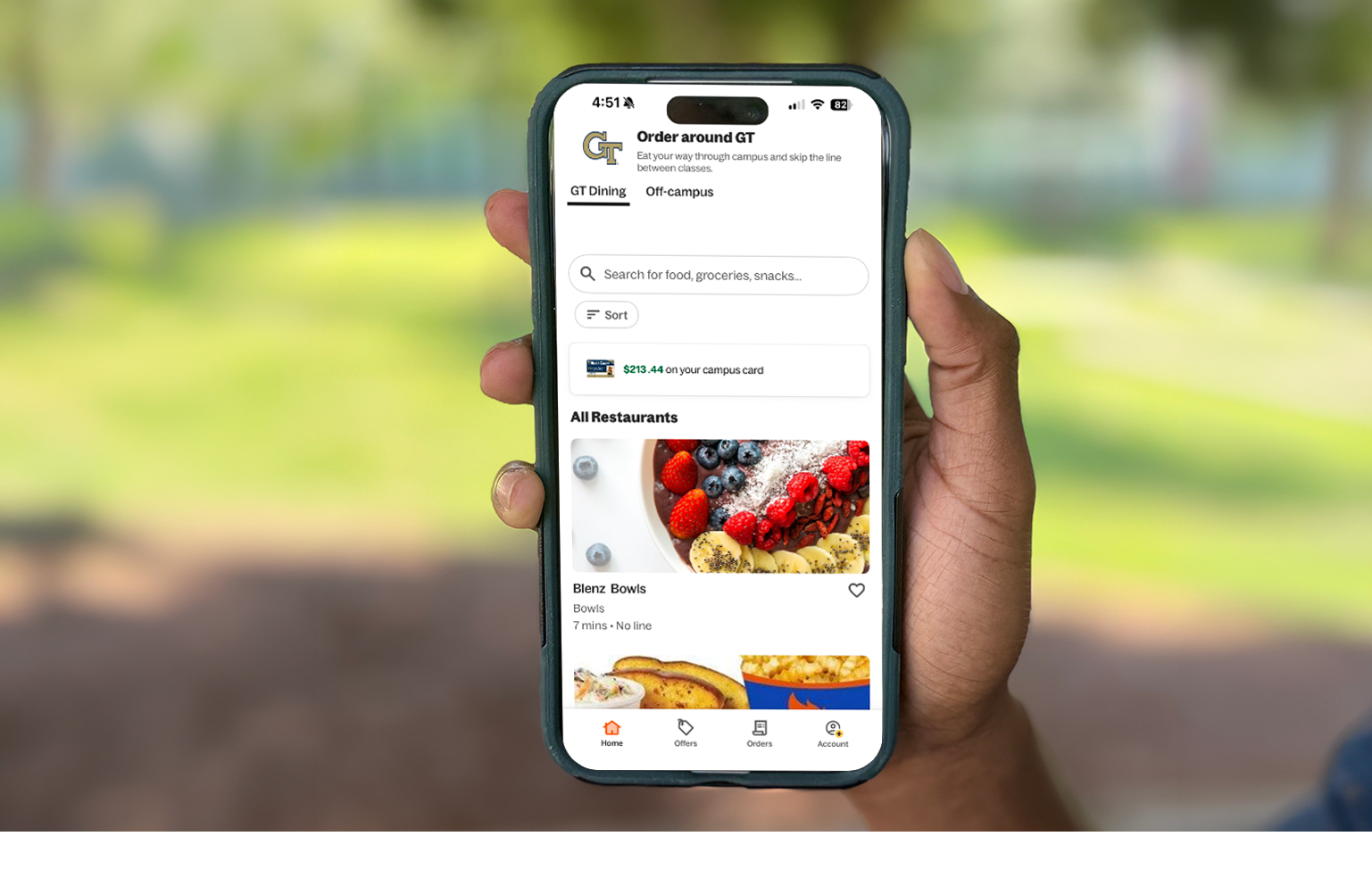
Order Ahead. Skip the Line.
Short on time? Place your order through Grubhub and pick it up when it's ready. Less time waiting, more time for everything else on your schedule.
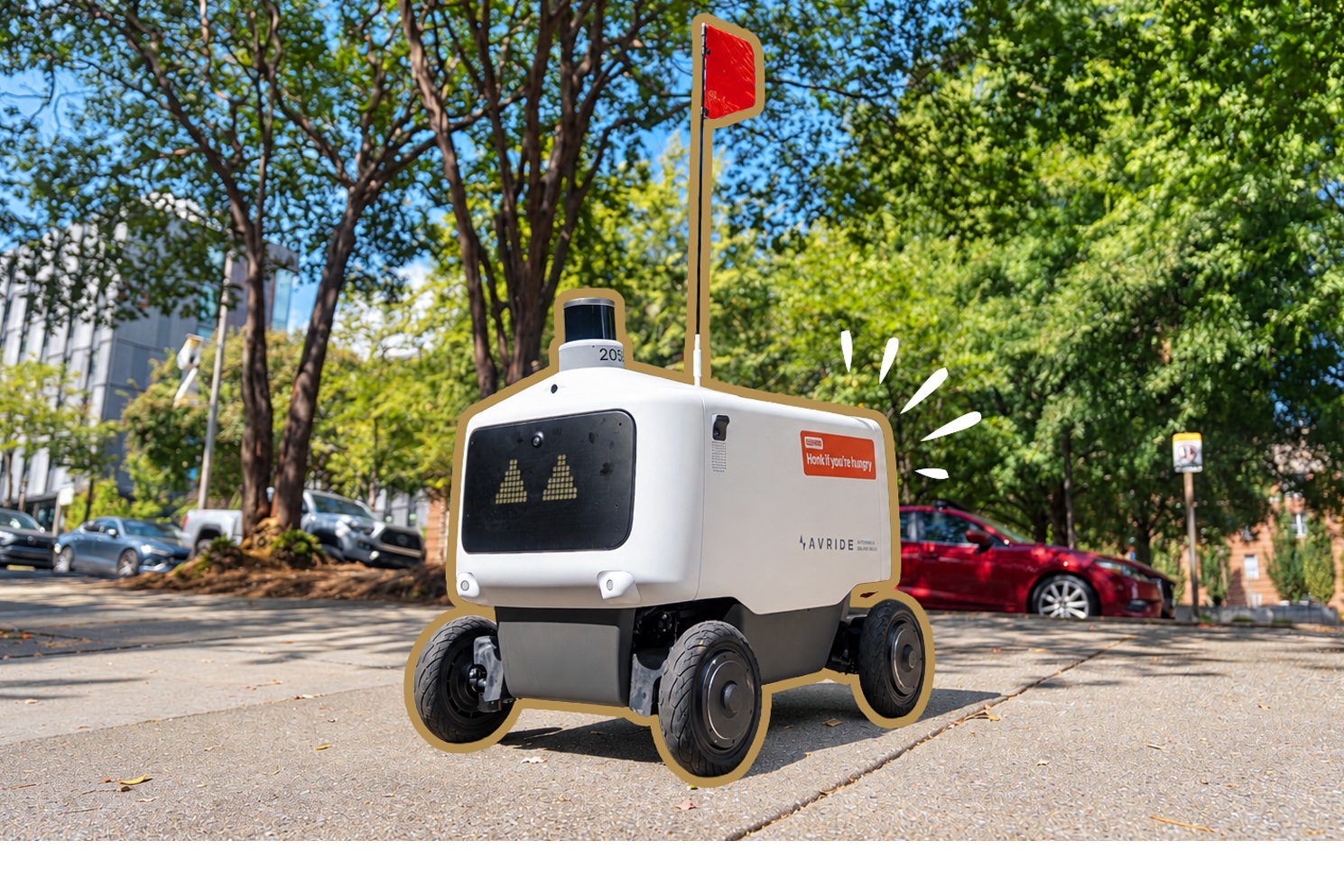
Your Meals, on Wheels.
Meet our newest campus delivery crew! We've partnered with Avride to bring autonomous robot delivery back to Georgia Tech. Order through Grubhub and have your food delivered to most locations on campus.
Get Started
- Download the Grubhub app.
- Log into your existing account or create one if you've never signed up before.
- Select Georgia Institute of Technology under Campus Dining.
- Add your BuzzCard/GTID information.
Now you’re all set to use your Dining Dollars or BuzzCard funds as a form of payment to buy your next meal!
(text and background only visible when logged in)
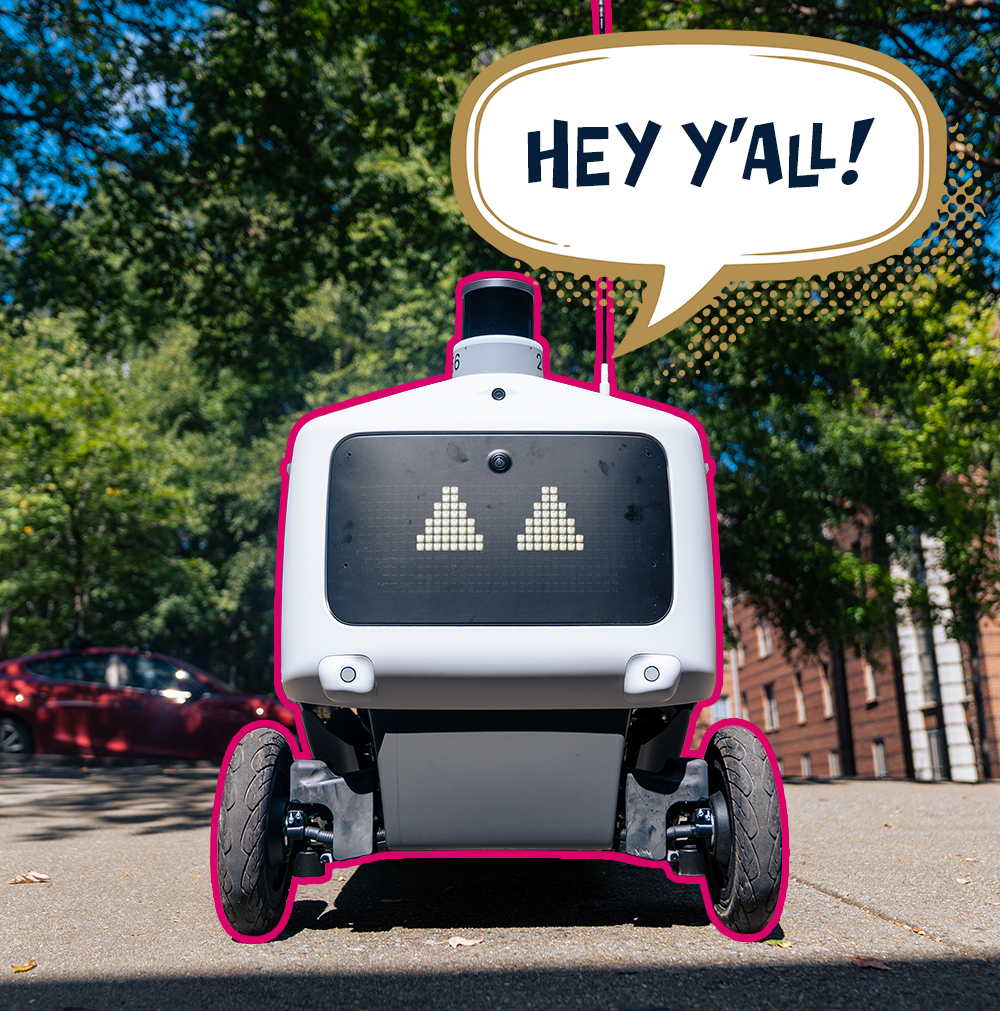
Meet the Newest Crew on Campus
Georgia Tech has partnered with Grubhub and Avride to bring autonomous food delivery to campus, making it easier than ever to get your favorite meals delivered without leaving the app. Just order your food, select robot delivery, and track your meal's journey right from the app.
How Robot Delivery Works
- Open Grubhub, choose a participating restaurant, and select robot delivery.
- Select an available campus delivery location.
- Follow your food's journey in real time, all within Grubhub.
- When your robot arrives, follow the app instructions to retrieve your order.
Pay Your Way
Already have Dining Dollars or BuzzCard Funds? Put them to work. Grubhub lets you use your campus funds or a credit or debit card to pay for eligible orders.
Dining Dollars
Use the Dining Dollars included with your meal plan or funds you've added to your account.
BuzzCard Funds
Pay with your available BuzzCard Funds at participating locations.
Credit or Debit Card
Prefer another way to pay? Add a credit or debit card in the app.
(text and background only visible when logged in)
A Little Something Extra: Grubhub+ Student
Eligible Georgia Tech students, faculty, and staff can activate a complimentary Grubhub+ Student membership to enjoy benefits when ordering from participating off-campus restaurants, including:
- $0 delivery fees on eligible orders that meet minimum requirements.
- Reduced service fees on eligible deliveries.
- 5% back in Grubhub+ credit on eligible pickup orders.
- Exclusive offers and discounts.
To activate, connect your campus card or verify your Georgia Tech email in the Grubhub app and follow the prompts to enroll.
Benefits and eligibility are subject to Grubhub+ terms and may change.
Grubhub Frequently Asked Questions
What is Grubhub + Student?
Grubhub+ Student is a limited-time free membership program for college students who are affiliated with select universities through Grubhub Campus Dining.
What are the benefits of Grubhub+ Student?
Students receive $0 delivery fees on eligible orders that meet the subtotal minimum for Grubhub+ off-campus restaurants, lower service fees on eligible delivery orders, 5% back in Grubhub+ credit on eligible off-campus pickup orders, exclusive deals and discounts, and donation-matching.
How does it work?
Students can opt in to their free Grubhub+ Student membership in one of two ways:
- When students input their BuzzCard information in the Grubhub app, they will be asked to opt into a free Grubhub+ Student membership. By selecting the “Get free Grubhub+ Student” checkbox, their membership will be automatically activated. No credit card required
- Students can input and verify their student email to opt in to their free Grubhub+ Student membership. When prompted in the Grubhub app, select “Get email confirmation” then head to your email and open the validation email to verify your student status by selecting “Let’s go”. Then, you’re all set! No credit card required.
What email can I use to sign up?
This must be an .edu email linked to the specific school’s .edu domain for only Grubhub partnered campuses.
You do not need to create a new Grubhub account with your student .edu email but will need to verify your account with your student .edu email.
Are there any exceptions?
No! All university students at contracted campuses are eligible to receive GH+ Student for free when they connect their BuzzCard or verify their student email.
How do students join?
Download the Grubhub app and create an account
Tap “Account” → “Campus Dining” → Select Georgia Institute of Technology
Input your BuzzCard information or verify student email (to prove you're an active student!)
Follow the prompts to activate your free Grubhub+ Student account
How long is this applicable for?
Students receive Grubhub+ Student for free once they connect their BuzzCard in the app or verify their student email and opt into Grubhub+ Student. They will receive a free membership ($9.99 market value) until graduation.
Do faculty/staff members receive Grubhub+ Student?
Yes! All active faculty and staff of a campus affiliated with Grubhub Campus Dining are eligible for Grubhub+ Student, after confirming their status in the app with a valid BuzzCard or .edu email. They will receive their free membership until their employment at the university concludes.
What happens to my account when I graduate?
Upon graduation, students will be prompted to select “Leave Campus Dining.” Their Grubhub app will now feature the typical app interface and not campus restaurants anymore. This will also trigger the end of their free GH+ Student membership. Students’ accounts will continue to work and they have the option to sign up for Grubhub+ for $9.99 per month or if they have an Amazon Prime account, they can link their account and receive Grubhub+ FREE for the life of their membership.
Do students need to use Dining Dollars or BuzzCard Funds to be eligible?
No. Students can use Dining Dollars, Buzzcard Funds, or a credit/debit card and still receive the benefits of Grubhub+ Student.
Who should I contact if I'm having issues receiving this benefit?
If you're having issues with your GH+ Student membership, please contact the Grubhub Care team through the app and include any relevant screenshots or recordings.
How can I tell if a restaurant is a GH+ restaurant?
GH+ restaurants are indicated in the app with a yellow GH+ Flag. Students can also sort by GH+ restaurants at the top of the app. When checking out, there will be a line item that says “Grubhub+ Free delivery”.
If I already have a Grubhub account, how do I get GH+ Student?
Tap “Account” → “Campus Dining” → Select Campus
Input BuzzCard information or verify student email (to prove you're a student!)
Follow the prompts to activate your free Grubhub+ Student account
Do I need to create a new Grubhub account with Georgia Tech email credentials?
No. As long as students connect their BuzzCard to the Grubhub account they want to use or verify their student email, they will be able to activate their GH+ Student membership.